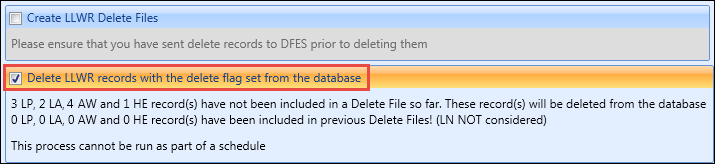
You can create a delete file for submission to DfES by selecting the Create LLWR Delete Files check box.
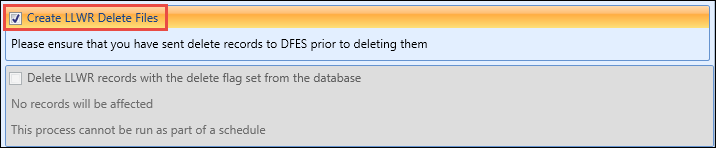
To delete the underlying LLWR records after the delete file has been created, select the Delete LLWR Records with the delete flag set from the database check box. A count of the number of records that will be affected is displayed when the check box is selected.
This count only displays the number of records that will be included in the delete file, and not all records that are marked to be deleted. Records that have not already been submitted to DfES (that is: created after the last LLWR return was run) will not be included in this count.